

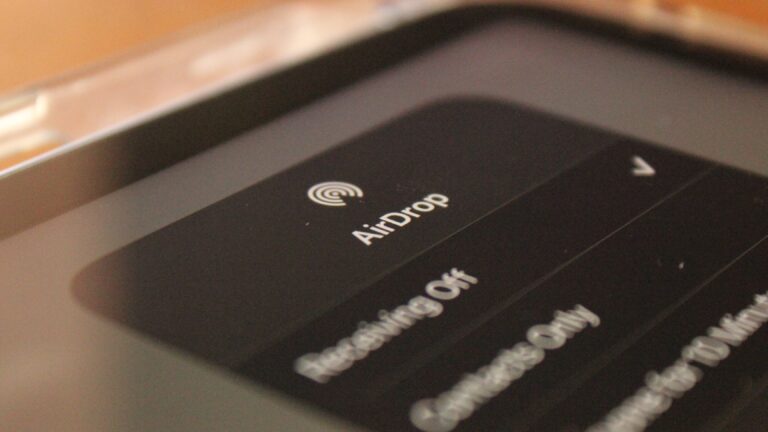
Over the past several weeks, the Israel National Cyber Directorate has received numerous reports of phishing scams using AirDrop—Apple’s built-in file-sharing tool. According to the Directorate, users are being targeted with fraudulent messages disguised to look like official Apple notifications, requesting Apple ID credentials for “verification.”
These scams aim to steal personal information and compromise user accounts.
How to stay safe from these scams:
עוד באותו הנושא
- Disable AirDrop when not in use
Turning off the feature reduces your exposure to unsolicited file sharing and spoofed messages. - Set AirDrop to “Contacts Only”
This setting limits incoming files to known contacts, minimizing the risk of receiving content from unknown sources. - Avoid accepting files or alerts from unfamiliar senders
Even if a notification appears legitimate, never provide personal information or access to unknown sources. - Keep your device updated
Operating system updates often include important security patches that help protect against new vulnerabilities. - Use reputable security apps
Trusted security tools can detect and block suspicious activity, offering an additional layer of protection.
If you suspect a phishing attempt or scam, contact the National Cyber Directorate’s hotline at 119 for assistance.